PDF와 이미지를 번역하세요. 원본 레이아웃을 유지하세요.
프로젝트는 기본적으로 기기에 저장됩니다. AI 기능은 선택한 콘텐츠를 처리하기 위해 전송하며, PDF 작업은 추출한 텍스트와 원본 PDF도 전송할 수 있습니다.
1 / 8
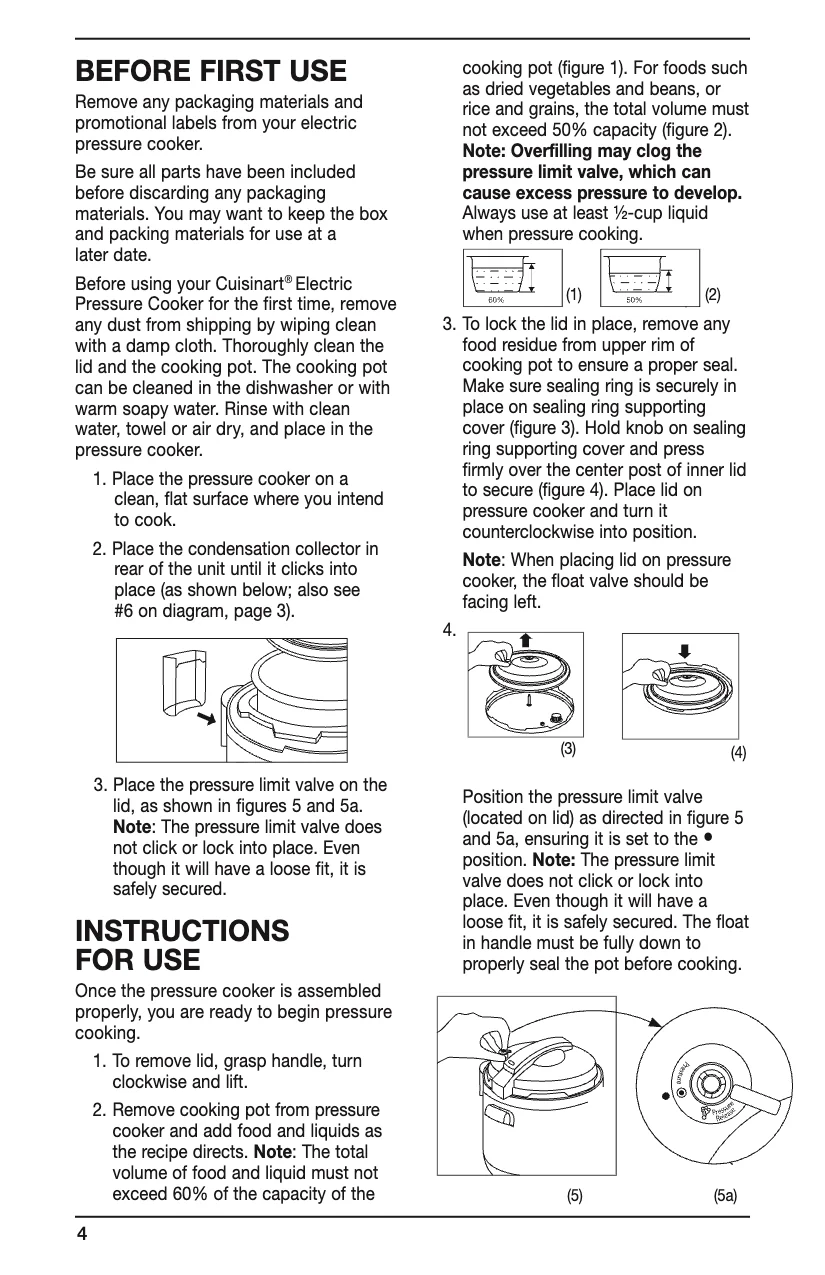
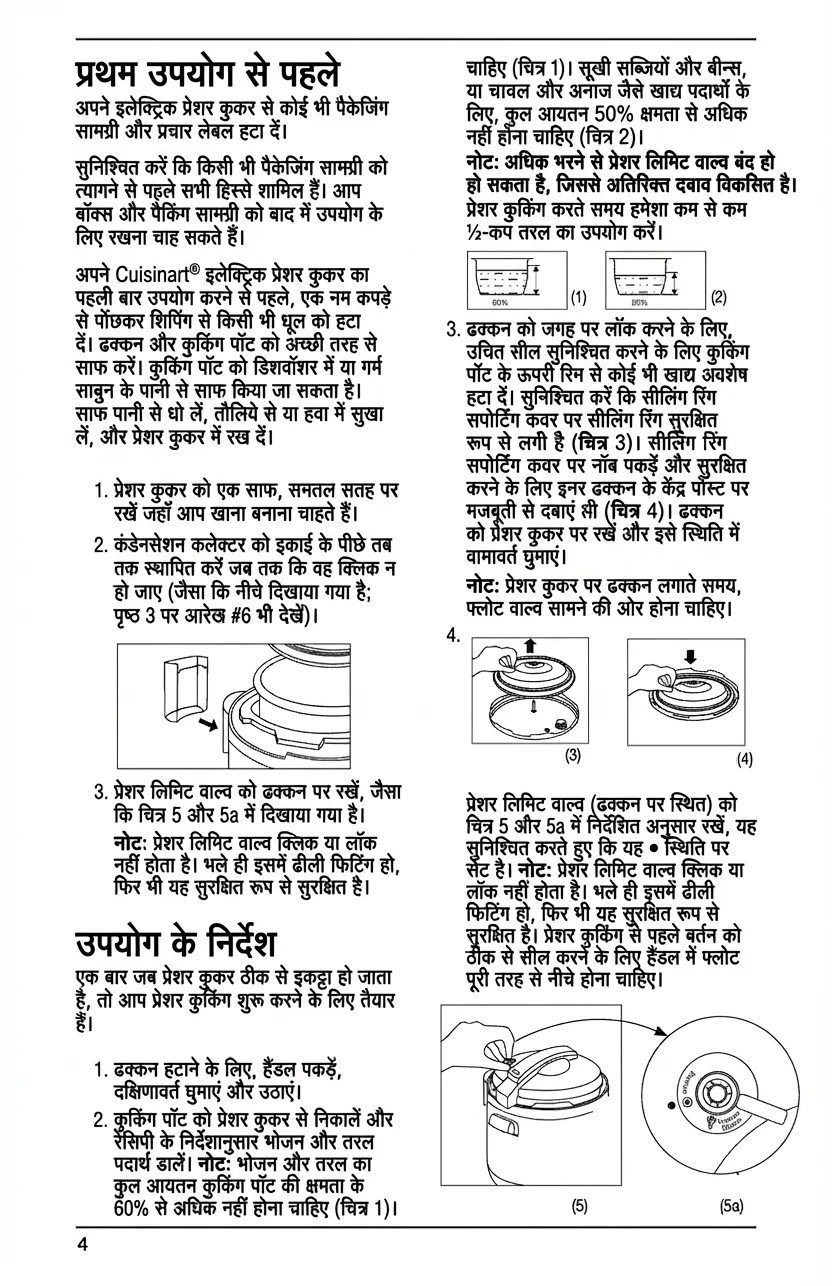
🇬🇧Original (English)
Use Cases
Where PixLate works best
PDF documents, scanned pages, and images with text inside the artwork or layout.
Browse scenarios
Switch between common page types to see where PixLate preserves the layout and still leaves room to review.
Active Preview
Children's Books
1 / 8
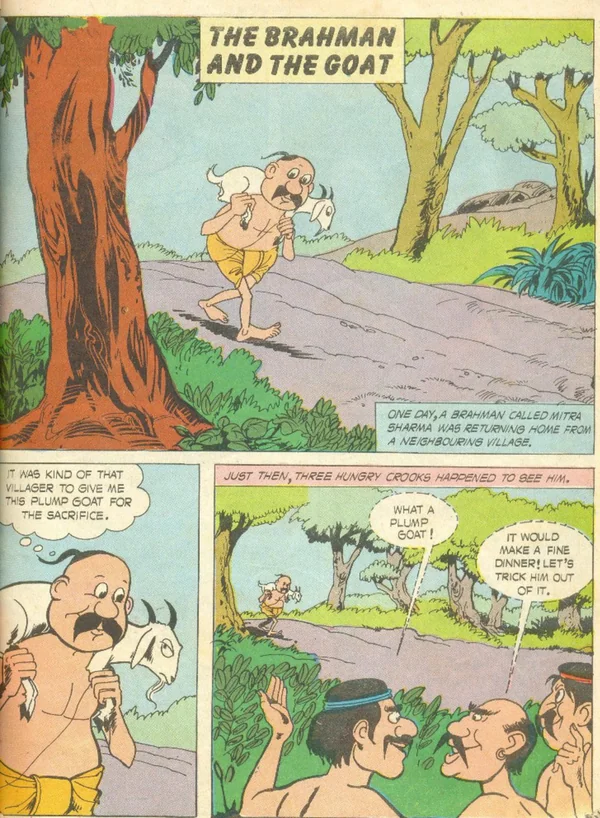
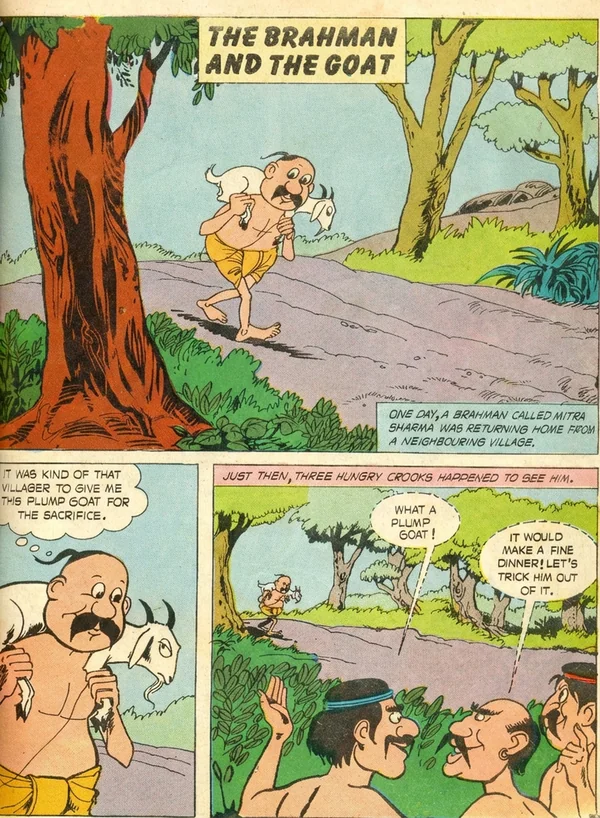
🇬🇧Original (English)
Translate illustration-led pages, then review the output before you export it for reading.
Explore Children's Books작동 방식
원본 문서에서 번역 결과물까지 4단계
01
업로드
PDF, 이미지 또는 만화를 드롭 — 단일 페이지 또는 전체 문서
02
정리
AI가 페이지 내용을 보존하면서 스캔 품질, 대비, 노이즈를 개선합니다
03
번역
대상 언어를 선택하세요. AI가 레이아웃을 감지하고 번역하여 일치하는 타이포그래피로 제자리에 텍스트를 렌더링합니다
04
내보내기
PDF 또는 이미지로 다운로드 — 모든 번역 언어를 한 번에 내보내기
Common Questions
Everything you need to know about formats, storage, workflow, and file handling.
PixLate supports PDF, JPEG, PNG, and WebP. For PDFs with selectable text, Text Layer mode translates detected text boxes at lower cost and keeps translated text editable. Scanned, illustrated, or layout-heavy pages can use Visual AI instead.