Translate PDFs and images. Preserve the original layout.
PDF, JPEG, PNG, and WebP. Free pages included on sign-up.
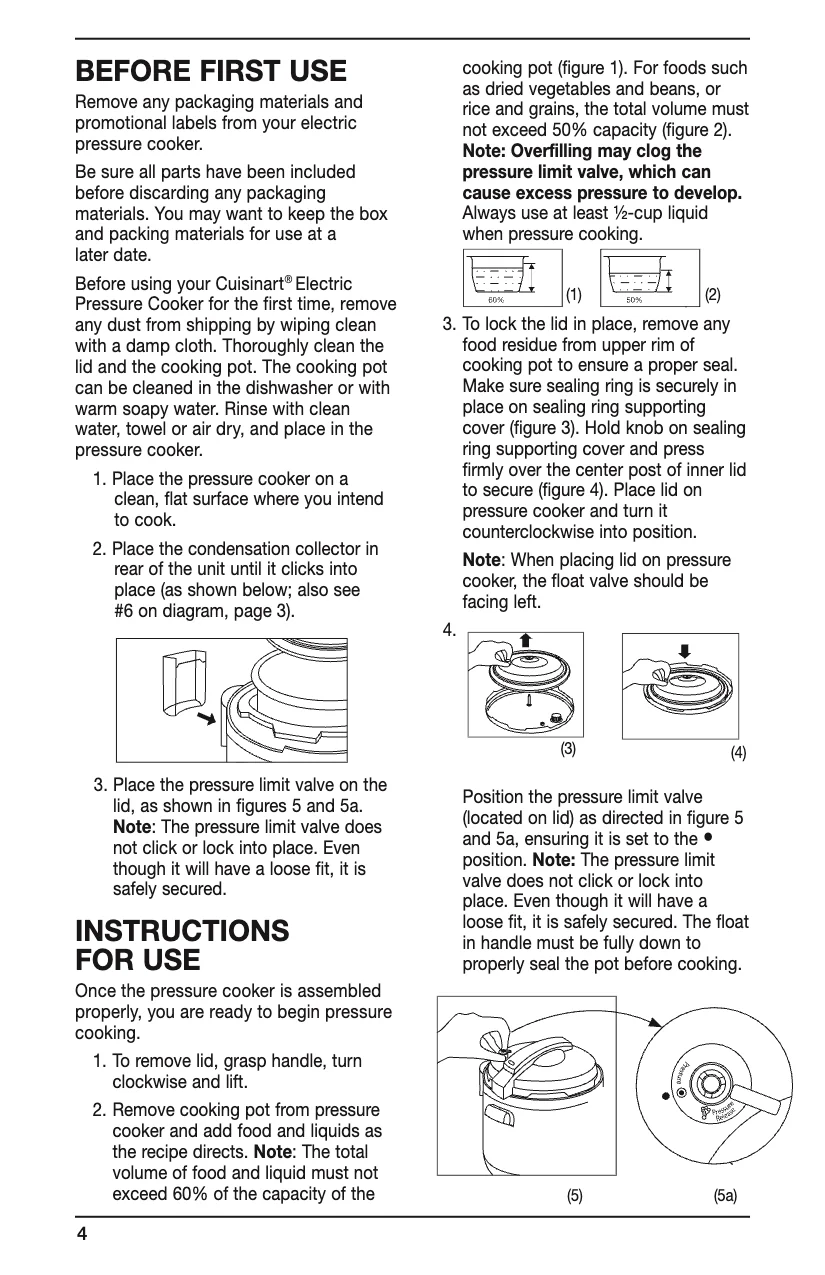
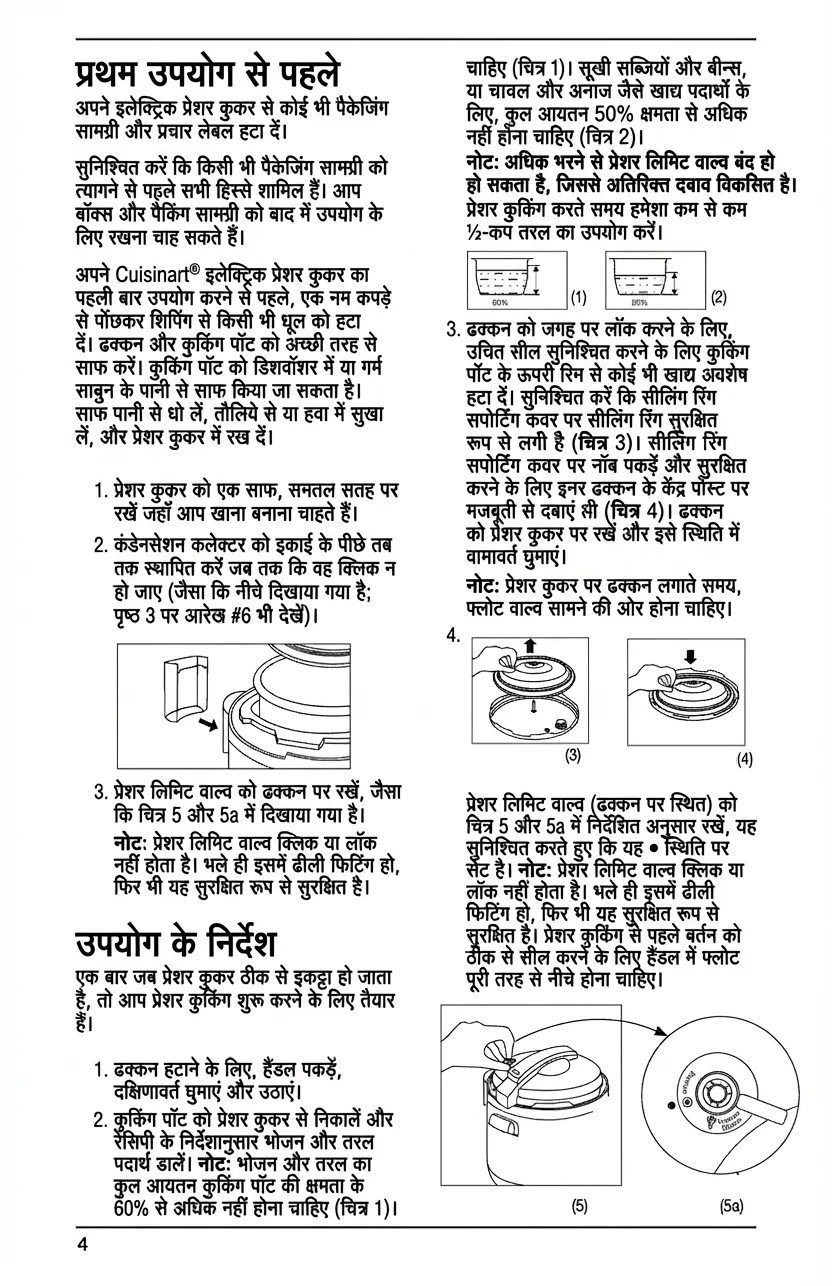
PDF translator
Translate selectable-text PDFs and scanned documents. Keep images and page structure, review the translation, and download a PDF.
Image translator
Translate text in photos, screenshots, menus, and illustrated pages while keeping the surrounding design.
Use Cases
Where PixLate works best
PDF documents, scanned pages, and images with text inside the artwork or layout.
Browse scenarios
Switch between common page types to see where PixLate preserves the layout and still leaves room to review.
Active Preview
Children's Books
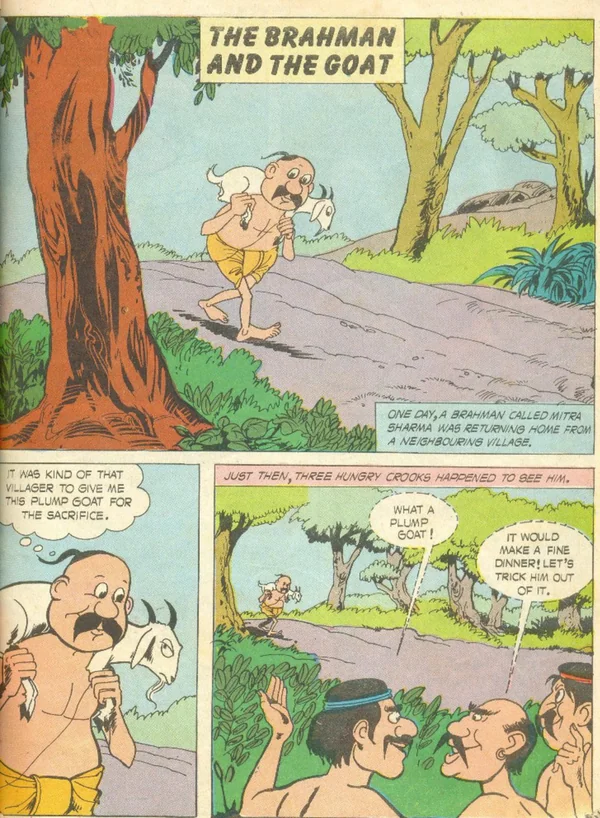
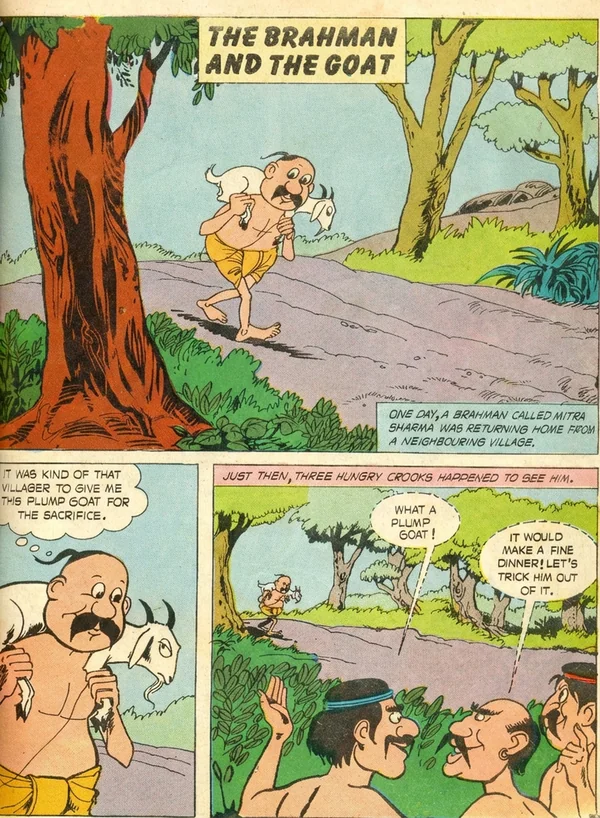
Translate illustration-led pages, then review the output before you export it for reading.
Explore Children's BooksEditor
A real page open in PixLate
Fix the close misses, then export when ready.
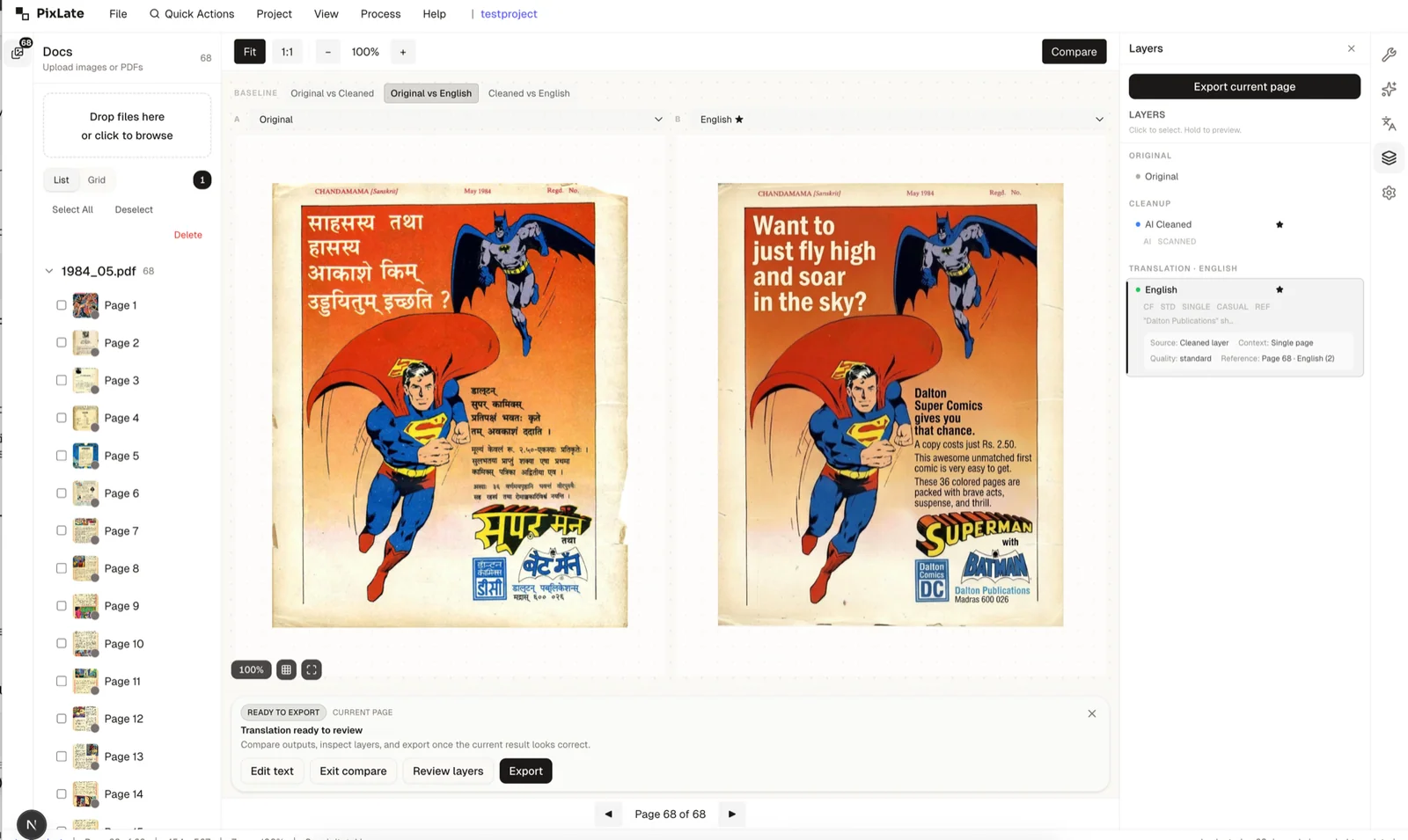
A workflow built for translated pages
Keep page states visible, correct in place, and export when the batch is ready.
One-shot prompting
Every page starts from zero. Style drifts.
Character names and tone shift between chapters.
Fix one panel? Regenerate the whole page.
PixLate editor
Pin a cleaned page as a reference. The rest match its style.
Consecutive pages share context, so names and voice hold.
Fix one bubble. Keep the rest of the page.
Built for batches
Translate a book, not a page
Two things make the difference once you're past the first page.
Pin a style reference
Clean one page the way you want, then set it as a reference. The rest of the batch matches its style.
Page-to-page context
Run consecutive pages together and character names, pronouns, and voice carry across the run.
How It Works
Built to finish a page, not just generate one.
Import
Open a PDF or image. Your project is saved on your device by default.
Run AI
Choose Text Layer for selectable PDF text or Visual AI for scans and images. Cleanup is optional.
Review
Inspect the page visually, compare layers, and check whether the result is good enough to keep.
Correct
Edit translated text or rerun parts of the workflow without restarting the entire page from scratch.
Export
Download the final result once the page looks right, not immediately after the first generation.
Watch how PixLate works
Short, step-by-step videos. No PixLate account needed to watch.
 58 sec
Set up your first translation project
See how to get a translation project ready in PixLate.
Watch on YouTube (opens in a new tab)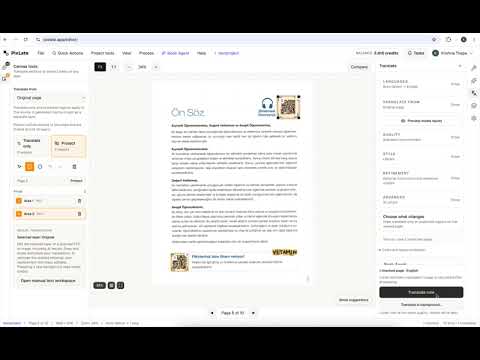 54 sec
Mask regions for precise image translation
Learn how to mask areas you want to keep unchanged.
Watch on YouTube (opens in a new tab) 1 min 3 sec
Translate in the background and save money
See how background translation works before trying it yourself.
Watch on YouTube (opens in a new tab)Common Questions
Everything you need to know about formats, storage, workflow, and file handling.
Try the editor on a real page
Start with the included free pages, see where the AI gets close, and correct the rest before you export.
No credit card required. Free pages included on sign-up.